Build an authentic listening lesson from a podcast episode.
Real voices from real conversations, extracted from podcasts in exactly the types of clips that you specify. Give your students content that they'll love.
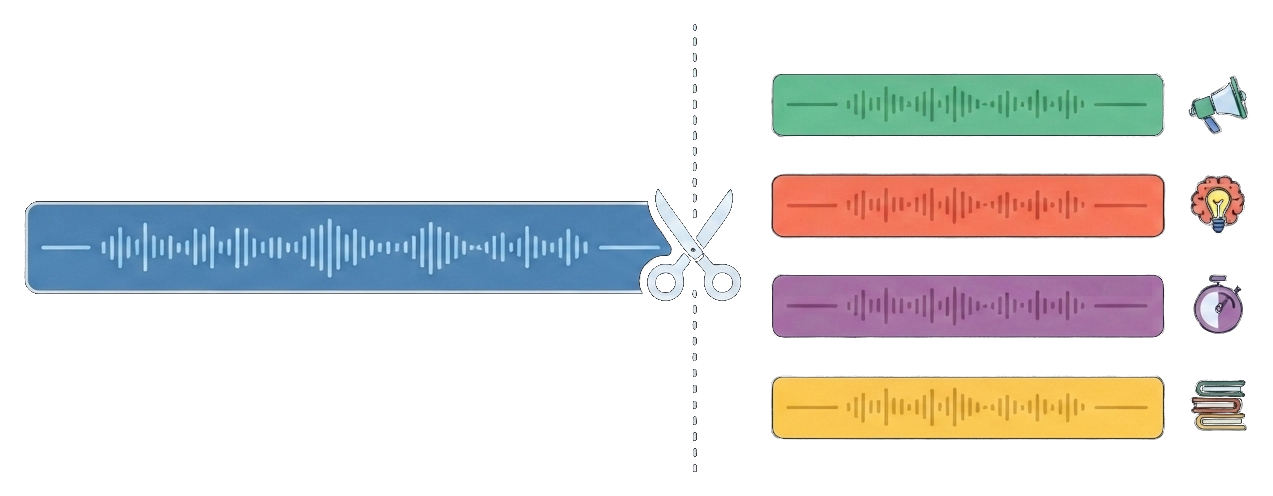
Just connect Claude to Audiogram, then paste the example prompt
This gives Claude the ability to find and edit podcast audio, effortlessly creating your clips.
Open Connectors in your Claude settings
In Claude on the web, click your initials in the bottom-left corner and choose Settings. Then open the Connectors section.
Add a custom connector
Scroll to the bottom of the Connectors screen and click Add custom connector. The button sits below the built-in connectors list.
Paste the Audiogram server URL
Name it Audiogram and paste this as the remote MCP server URL, then click Add.
Connect and sign in with Google
Click Connect on the new Audiogram card. A window opens on our sign-in page: continue with Google and approve access. If you're new, this creates your free Audiogram account on the spot.
Start a new chat and paste the example prompt
In a new chat paste in the example prompt below, feel free to change the topic from tennis if preferred.
Build a listening lesson about TENNIS for beginner English learners, delivered as a shareable clip page.

Use Audiogram to:
1. Find one recent, suitable Apple Podcasts episode about tennis and retrieve its transcript.
2. Choose five short passages (15 to 45 seconds each) that are clear, self-contained, and useful for this level: a mix of narration, opinion, and natural conversation.
3. Create a clip page with upsert_clip_page. Use verbatim 6 to 15 word start and end quotes copied exactly from the transcript. Title the page for students, and write the intro as a one-line pre-listening prediction task.
4. For each clip, set the title to its listening focus and the note to one gist or detail question plus one useful expression as it appears in the clip.
5. If any clip is rejected, fix the quotes and update the page with its page_id.

Then reply in chat with the page link and any transcript or audio issues a teacher should check before class.
Start with one short episode and one learning goal.
Connect Audiogram to a supported agent, paste the prompt, and review the complete lesson before sharing it with learners.